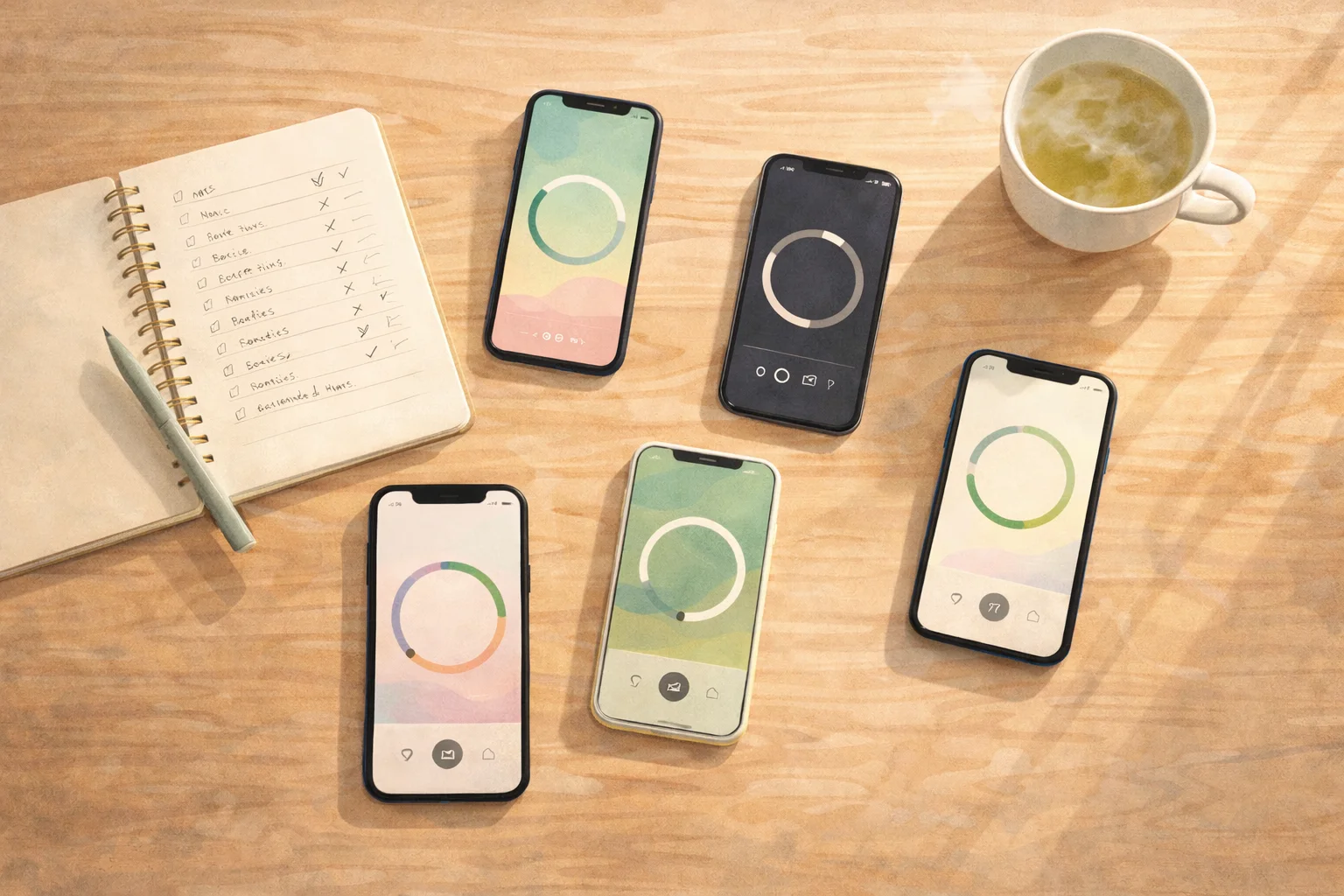
I’ve tested dozens of meditation timer apps. Most promise simplicity but deliver subscription paywalls, cluttered interfaces, or bells that sound like alarm clocks.
Here’s what I’ve learned: The best meditation timer for you depends on whether you want just a timer, or a timer plus something else (guided meditations, community, journaling, AI guidance).
This comparison covers the top 5 meditation timer apps in 2026, with honest assessments of what each does well and where they fall short.
Related: How to Use a Meditation Timer | StillMind Meditation Timer
Quick Comparison Table
| Feature | StillMind | Insight Timer | Calm | Headspace | Plum Village |
|---|---|---|---|---|---|
| Timer Cost | Free forever | Free forever | Free (basic) | Premium only | Free forever |
| Monthly Price | $9.99 (AI features) | $9.99 (content) | $16.99 | $12.99 | Free (donations) |
| Bell Types | 10+ authentic | 10+ (hundreds premium) | Basic | Limited | 3 traditional |
| Interval Bells | Yes, customizable | 5 sec to 30 min | 1 min to 8 hrs | Limited | Yes |
| Offline Mode | Yes | Yes | Yes | Partial | Yes |
| Journal Integration | Yes (unique) | Stats only | No | No | No |
| Voice Notes | During session | No | No | No | No |
| Presets | Yes | Unlimited | No | Yes | No |
| Best For | Personalised Guided Meditations + Insights + Free Timer | Free content library | Sleep stories | Structured courses | Buddhist tradition |
TLDR Recommendations:
- Best free timer with journal: StillMind (free forever, captures insights)
- Best free timer with content: Insight Timer (120K+ guided meditations)
- Best for personalised guided meditations: StillMind (AI-powered meditations adapt to your needs)
- Best for capturing insights: StillMind (voice notes during sessions, no need to break focus)
- Best for sleep: Calm (Sleep Stories trump timer features)
- Best for beginners: Headspace (structured courses) or StillMind (AI guidance)
- Most authentic: Plum Village (Buddhist tradition, non-commercial)
Ready to transform your meditation practice? Download StillMind and experience personalised AI guidance, effortless insight capture, and a timer that’s free forever.
 Photo by Omid Armin on Unsplash
What Makes a Great Meditation Timer?
Before diving into specific apps, here’s what actually matters:
Must-Have Features:
- Customizable duration (not just presets)
- Quality bell sounds (singing bowls, not alarm clock beeps)
- Interval bells (optional posture checks or technique transitions)
- Offline functionality (meditation shouldn’t require WiFi)
- Screen-off operation (timer runs while phone sleeps)
Nice-to-Have Features:
- Session presets (save common durations)
- Journal/notes integration
- Practice statistics
- Multiple bell sound options
- Volume control
Deal-Breakers:
- Timer locked behind paywall
- Intrusive notifications
- No offline mode
- Poor audio quality
With that context, let’s compare the actual apps.
1. StillMind: Timer + Journal + Voice Notes
Overview: StillMind positions its timer as the core free feature, with optional AI guidance for premium users. The unique differentiator is journal integration and voice notes during meditation.
Timer Features
Duration:
- Any custom length
- Saved presets from your session history
- Auto-logs to journal when bell rings
Bells:
- 10+ authentic sounds (singing bowls, temple bells, gongs)
- Customizable opening and closing bells
- Interval bells at any frequency
- Independent volume control
What Makes It Different:
1. Journal Integration Every timer session creates a journal entry. After the closing bell, you can immediately capture:
- How the session felt
- Insights that arose
- Practice quality notes
No other timer app connects sessions to reflection this seamlessly.
2. Voice Notes During Meditation Here’s the game-changer: While meditating, speak thoughts out loud and they’re captured as voice notes.
Why this matters:
- No breaking focus to write something down
- No stress about trying to remember insights
- Complete peace of mind that thoughts are saved
You can review voice notes after the session in your journal.
3. Free Forever Promise The timer will never be paywalled. StillMind only charges for:
- AI-guided meditations ($9.99/month)
- Voice-to-text journaling
- Advanced features (geolocation on sessions)
Core timer features stay free permanently.
Strengths
✅ Only timer with built-in journaling ✅ Voice notes during sessions (completely unique) ✅ Free forever guarantee (no bait-and-switch) ✅ Works completely offline ✅ Clean, distraction-free interface ✅ Optional AI guidance when you need it
Limitations
❌ Smaller bell sound library than Insight Timer ❌ No community features (yet) ❌ Newer app (less track record than established competitors)
Best For
- Practitioners who journal after sessions
- People who have insights during meditation and want to capture them
- Anyone wanting a free timer with optional AI guidance
- Users tired of paywalls on basic features
Pricing
- Timer: Free forever
- Premium: $9.99/month (AI meditations, voice-to-text journaling, advanced features)
- Platforms: iOS, Android
2. Insight Timer: Free Content Powerhouse
Overview: Insight Timer offers the largest free meditation library globally (120,000+ guided meditations) plus a fully functional free timer. The community features and teacher network are unmatched.
Timer Features
Duration:
- Any custom length
- Unlimited saved presets
- Offline functionality
Bells:
- 10 bell types (free)
- Hundreds of premium bell sounds (MemberPlus)
- Interval bells from 5 seconds to 30 minutes
- Random interval mode (bells at unpredictable times)
Ambient Sounds:
- 19 free options (ocean waves, Zen guitar, Om, rain, birds)
- Hundreds of premium ambient tracks
Customization:
- Multiple interval bells at different time points
- Individual volume sliders per bell
- 1, 2, or 3 strikes per bell
Strengths
✅ Completely free timer (no feature limitations) ✅ Largest free content library (120K+ guided meditations) ✅ Massive community (27M+ users, discussion groups, live events) ✅ 22,000+ teachers (Tara Brach, Sharon Salzberg, Mooji) ✅ Works fully offline ✅ Highly customizable intervals
Limitations
❌ No journal integration (only session stats) ❌ No voice notes during meditation ❌ Interface can feel cluttered (so many features) ❌ Premium content marketing can feel pushy
Best For
- Free content seekers who want guided meditations + timer
- Community-oriented practitioners who value group features
- Variety lovers who want access to thousands of teachers
- Advanced customizers who want granular interval control
Pricing
- Free: Full timer, 120K+ meditations, community features
- MemberPlus: $9.99/month or $59.99/year (premium sounds, offline downloads, courses)
- Platforms: iOS, Android, Web
3. Calm: Sleep-Focused with Basic Timer
Overview: Calm is known for Sleep Stories narrated by celebrities (Harry Styles, Matthew McConaughey). The timer exists but isn’t a focus.
Timer Features
Duration:
- Custom lengths
- Unguided/silent meditation option
Bells:
- Basic interval bells (1 minute to 8 hours)
- Limited customization compared to competitors
What It’s Actually Good At:
- Sleep Stories (500+ with celebrity narrators)
- Guided meditation programs
- Masterclasses with wellness experts
- Kids content (Peppa Pig, Minions sleep stories)
Strengths
✅ Timer is free (not paywalled) ✅ Best sleep content (Sleep Stories are excellent) ✅ High production quality ✅ Family plan available
Limitations
❌ Timer isn’t a primary feature (minimal customization) ❌ Expensive ($16.99/month) ❌ No journal integration ❌ No voice notes ❌ Timer overshadowed by guided content
Best For
- Sleep-focused users who occasionally want a timer
- Celebrity content fans (Sleep Stories are the real product)
- Families (kids content is extensive)
Pricing
- Free: Basic timer with intervals, one breathing exercise daily
- Premium: $16.99/month or $69.99/year
- Platforms: iOS, Android, Web
Honest Take: If you’re primarily looking for a meditation timer, Calm isn’t the best choice. If you want sleep content and happen to occasionally need a timer, it’s fine.
4. Headspace: Structured Courses, Timer for Advanced Users
Overview: Headspace positions itself as meditation education with structured courses. The timer is treated as a feature for experienced meditators who’ve completed the guided programs.
Timer Features
Duration:
- 5 minutes to 2 hours
- Three modes: guided, semi-guided, unguided
Bells:
- Available but limited customization
- Less robust than Insight Timer or StillMind
Offline:
- Can download some content for offline use
- Not all sessions available offline (Everyday Headspace requires internet)
Strengths
✅ Excellent for beginners learning meditation fundamentals ✅ Structured progression (Basics → Pro courses) ✅ Corporate wellness programs (workplace focus) ✅ Move Mode (workout videos with mindfulness) ✅ Mental health support (therapists, coaches, AI companion)
Limitations
❌ Timer requires premium subscription ($12.99/month) ❌ Limited timer customization vs competitors ❌ Positioned for advanced users (not beginners wanting timer) ❌ Some users report billing issues (auto-renewal problems)
Best For
- Complete beginners who want structured learning
- Corporate users (workplace wellness programs)
- Education-focused practitioners (not just timer users)
Pricing
- Free Trial: 7-14 days
- Premium: $12.99/month or $69.99/year (timer requires premium)
- Student Discount: 85% off
- Platforms: iOS, Android, Web
Honest Take: Headspace excels at teaching meditation but isn’t the best choice if you primarily want a timer. Consider Headspace for courses, then use StillMind or Insight Timer for daily practice.
5. Plum Village: Authentic Buddhist Tradition
Overview: Created by the Plum Village monastic community (Thich Nhat Hanh’s tradition), this app offers authentic Buddhist mindfulness teachings with zero commercial agenda.
Timer Features
Duration:
- Customizable start/end times
- Repeat daily option
Bells:
- 3 traditional Buddhist bell sounds (actual Plum Village monastery bells)
- Three-bell pattern: opening, intervals, two closing bells
Customization:
- Adjustable interval frequency
- Volume control
- Simple, focused interface
Content Beyond Timer
- 100+ guided meditations from Thich Nhat Hanh
- 300+ video sessions
- Children’s meditations (15 specifically for kids)
- Nature sounds recorded at Plum Village monastery
Strengths
✅ Completely free (donation-optional, no ads) ✅ Authentic Buddhist tradition (not commercialized) ✅ Volunteer-built (reflects monastic values) ✅ Works fully offline ✅ Simple, clean interface ✅ Supports monastic community (not venture capital)
Limitations
❌ Limited bell customization (only 3 sounds) ❌ Fewer interval options than competitors ❌ Smaller content library (though high quality) ❌ No journal integration ❌ No voice notes
Best For
- Plum Village practitioners (obviously)
- Users seeking authentic Buddhist teachings (not secular mindfulness)
- People tired of commercial meditation apps
- Minimalists who want simplicity over features
- Families (children’s meditations)
Pricing
- Free forever (all features)
- Donations welcome (supports monastery)
- Platforms: iOS, Android, Web
Honest Take: If you value authentic Buddhist tradition over feature quantity, Plum Village offers something special. The bells sound like actual monastery bells because they are.
Head-to-Head: How to Choose
StillMind vs Insight Timer
Choose StillMind if:
- You journal after meditation and want integration
- You have insights during sessions (voice notes)
- You want optional AI guidance
- You prefer clean, focused interface
Choose Insight Timer if:
- You want access to massive free content library (120K+ meditations)
- Community features matter (groups, friends, live events)
- You want maximum bell/sound customization
- You don’t need journaling
Or use both: Insight Timer for guided content, StillMind timer for self-guided practice with journaling.
StillMind vs Calm
Choose StillMind if:
- You primarily want a meditation timer (Calm’s timer is basic)
- You journal after sessions
- You want voice notes during meditation
- You don’t need sleep content
Choose Calm if:
- Sleep Stories are your main interest
- You want celebrity-narrated content
- Timer is secondary (just nice to have)
Reality check: These apps serve different needs. Calm is a sleep/wellness app that happens to have a timer. StillMind is a meditation app where the timer is central.
StillMind vs Headspace
Choose StillMind if:
- You want a free timer (Headspace timer requires premium)
- You’re past the beginner phase (already know how to meditate)
- You want journal integration and voice notes
- You prefer pay-for-AI vs pay-for-courses model
Choose Headspace if:
- You’re completely new to meditation (structured courses excel)
- Corporate wellness program covers subscription
- You value educational progression
- Timer is less important than learning
StillMind vs Plum Village
Choose StillMind if:
- You want journal integration and voice notes
- You need more bell customization options
- Optional AI guidance appeals to you
- You want session statistics
Choose Plum Village if:
- You value authentic Buddhist tradition
- You prefer non-commercial, donation-based model
- Simple 3-bell setup is enough
- You want Thich Nhat Hanh’s teachings
 Photo by Jared Rice on Unsplash
The Features That Actually Matter
After using all five apps extensively, here’s what I’ve learned matters most:
1. Free vs Paywalled Timer
Free Forever:
- StillMind
- Insight Timer
- Plum Village
Free (but basic):
- Calm
Premium Required:
- Headspace
My take: Basic timer functionality should be free. It’s literally a countdown with a bell. Paywalling this feels wrong.
2. Journal Integration
Only StillMind offers this.
Every other app treats meditation sessions as isolated events. StillMind connects each timer session to a journal entry, so you can:
- Note what technique you practiced
- Capture insights immediately after
- Track what’s working over time
- Build self-awareness through reflection
If you journal after meditation, this alone makes StillMind worth trying.
3. Voice Notes During Meditation
Also unique to StillMind.
Traditional approach: Have insight → Try to remember → Break focus to write it down → Lose the meditation state.
StillMind approach: Have insight → Speak it out loud → Return to practice → Review voice notes after session.
This is surprisingly powerful. You can stay in meditation while capturing thoughts that matter.
4. Content Library Size
Winner: Insight Timer (120,000+ free guided meditations)
If you want variety and free guided content, nothing beats Insight Timer’s massive library.
But here’s the thing: Do you actually need 120,000 options? Or do you keep scrolling through content instead of meditating?
Consider whether content quantity helps or hinders your practice.
5. Community Features
Winner: Insight Timer (27M users, discussion groups, live events)
If community motivates you, Insight Timer’s social features are unmatched.
Reality check: Most people don’t use community features regularly. Ask yourself if this matters to your actual practice.
Common Questions
Which meditation timer app is completely free?
Three apps offer completely free timer features:
- StillMind: Free timer forever (only charges for AI features)
- Insight Timer: Free timer + 120K guided meditations (premium adds sounds/courses)
- Plum Village: Everything free (donation-optional)
Calm’s timer is free but basic. Headspace requires premium subscription.
Can meditation timer apps work offline?
Yes, all five apps work offline:
- StillMind: Fully offline
- Insight Timer: Timer works offline (guided content requires downloads)
- Calm: Timer works offline
- Headspace: Limited (can download some content, not all)
- Plum Village: Works offline after downloading content
What’s the best meditation timer for iPhone?
All five apps are available on iOS. Best choice depends on your needs:
- Best free with journaling: StillMind
- Best free with content: Insight Timer
- Best for beginners: Headspace (premium) or StillMind (free AI option)
- Best for sleep: Calm
Do I need a meditation timer app or can I use my phone’s clock?
You can absolutely use your phone’s clock. But a dedicated timer app offers:
- Gentle bells (not alarm clock sounds)
- Interval bells for technique transitions
- Automatic session logging
- No risk of notifications interrupting
- Practice statistics over time
If you meditate occasionally, your clock is fine. If you meditate regularly, a dedicated timer improves the experience.
Which app has the best bell sounds?
Insight Timer has the most options (hundreds with premium). StillMind has 10+ authentic bells (singing bowls, temple bells, gongs). Plum Village has 3 traditional Buddhist monastery bells. Calm and Headspace have basic bells.
Honestly, once you find a bell you like, quantity stops mattering. Most people stick with one or two favorite sounds.
My Honest Recommendation
After months of testing, here’s what I actually use:
Daily practice: StillMind timer (free)
- Voice notes capture insights without breaking focus
- Journal integration helps me track what’s working
- Clean interface doesn’t distract
- Free forever (no subscription anxiety)
Learning new techniques: Insight Timer (free)
- Massive guided content library
- Different teachers offer different approaches
- Free access to variety
Sleep: Calm (premium)
- Sleep Stories with celebrity voices actually work
- High production quality
Reality check: I don’t use Headspace or Plum Village regularly, though both serve their audiences well. Headspace excels for beginners learning meditation fundamentals. Plum Village offers authentic Buddhist tradition without commercial pressure.
Final Thoughts: It’s About Your Practice, Not Features
Here’s what I’ve learned testing dozens of meditation apps:
More features don’t equal better practice.
The app that helps you actually sit down and meditate consistently is the right choice, even if it has fewer features than competitors.
Ask yourself:
- Do I want just a timer, or timer + something else?
- Do I journal after meditation? (StillMind)
- Do I want free guided content variety? (Insight Timer)
- Am I learning meditation for the first time? (Headspace)
- Do I value authentic Buddhist tradition? (Plum Village)
- Do I primarily need sleep help? (Calm)
My bias: I built StillMind because I wanted a timer that captured insights without breaking meditation flow. The journal integration and voice notes solved problems I experienced with other apps.
But I still use Insight Timer for guided content. I recommend Headspace to complete beginners. I respect Plum Village’s non-commercial approach.
Try this: Download 2-3 apps. Use each for a week. Notice which interface feels most natural. Pay attention to which app you actually open consistently.
The best meditation timer isn’t the one with the most features. It’s the one that supports your actual practice without getting in the way.
Start with a free timer that respects your practice: Try StillMind’s meditation timer with voice notes and journal integration. Free forever, no credit card required.
Related Reading:
- How to Use a Meditation Timer: Complete Guide
- Best Meditation Timer for ADHD
- AI Meditation for Beginners
- Voice Notes During Meditation
Have you tried multiple meditation timer apps? What features matter most to your practice? Every meditator’s needs are different—what works for you might not work for everyone, and that’s okay.